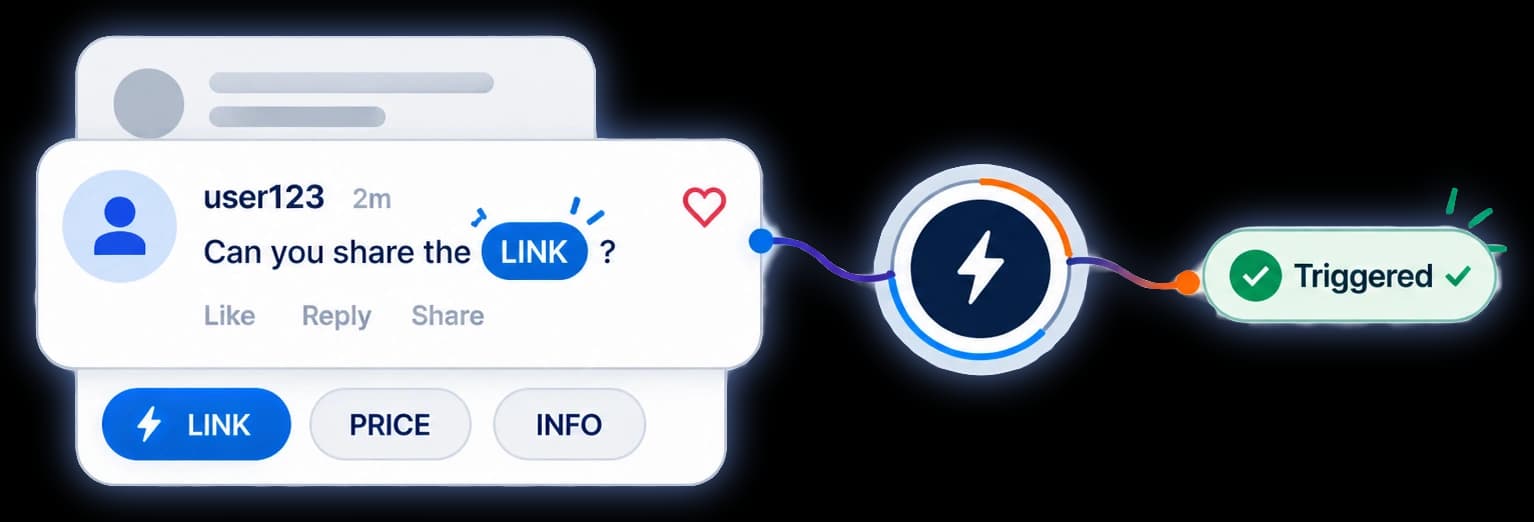
Keyword triggers
Pick any word or phrase. A comment that uses it fires the automation.
DetailsHide details
Pick any word or phrase. When someone comments it, the automation fires — no manual checking.
Features
Everything Replavia does today. Plan limits are named where they apply.
Capture
Five triggers on every plan, and one automation across as many reels as you like.
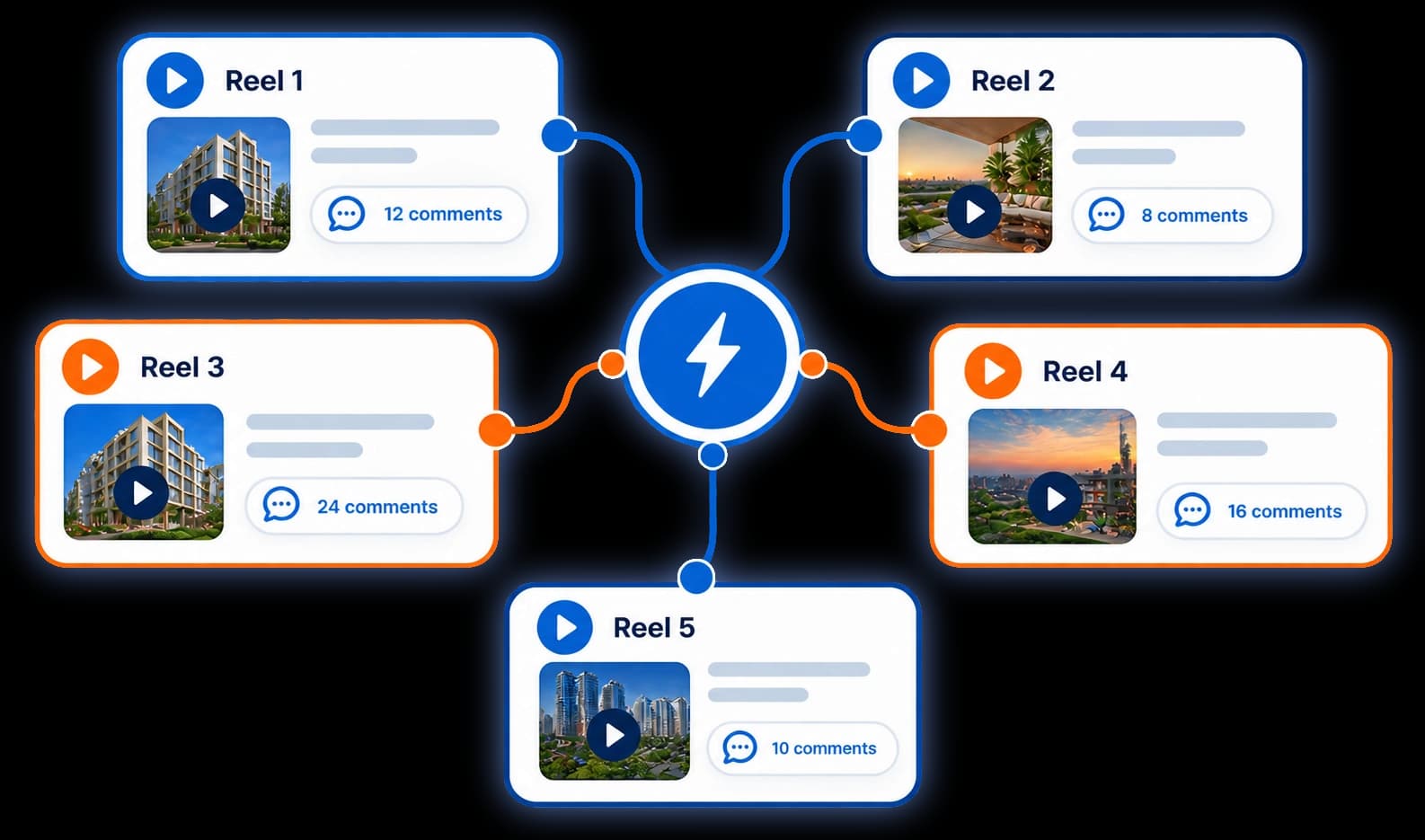
One comment automation can cover every post and reel — even ones not yet published.
A comment automation can run on every post and reel — including ones you haven’t published yet — or on up to 50 you hand-pick, from the posts your plan lets you browse. One automation across five reels instead of five automations to keep in step.
Pick any word or phrase. A comment that uses it fires the automation.
Pick any word or phrase. When someone comments it, the automation fires — no manual checking.
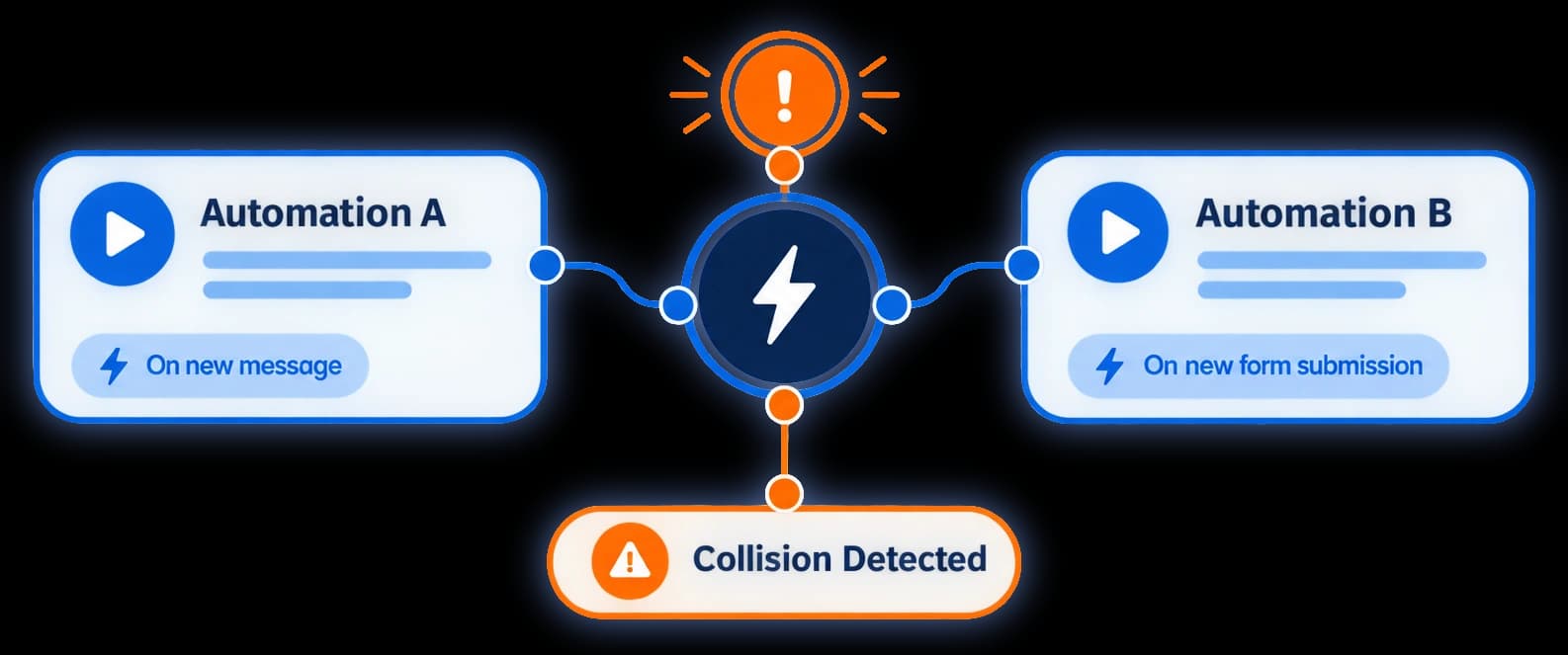
Marks reels where two live automations would answer the same comment.
Instagram delivers only one automated DM per comment, so when two automations answer the same one, a DM silently never arrives. Pick your posts and Replavia marks the reels another live automation already uses — in red when it would answer the same comment as yours, quietly when it wouldn’t.
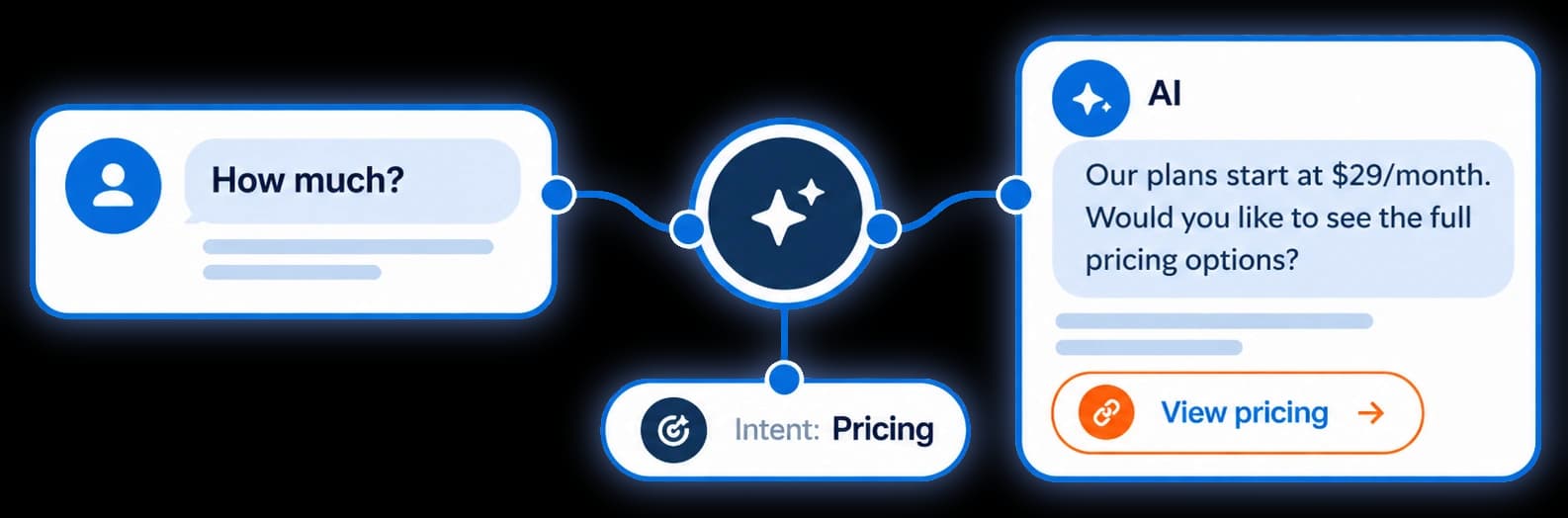
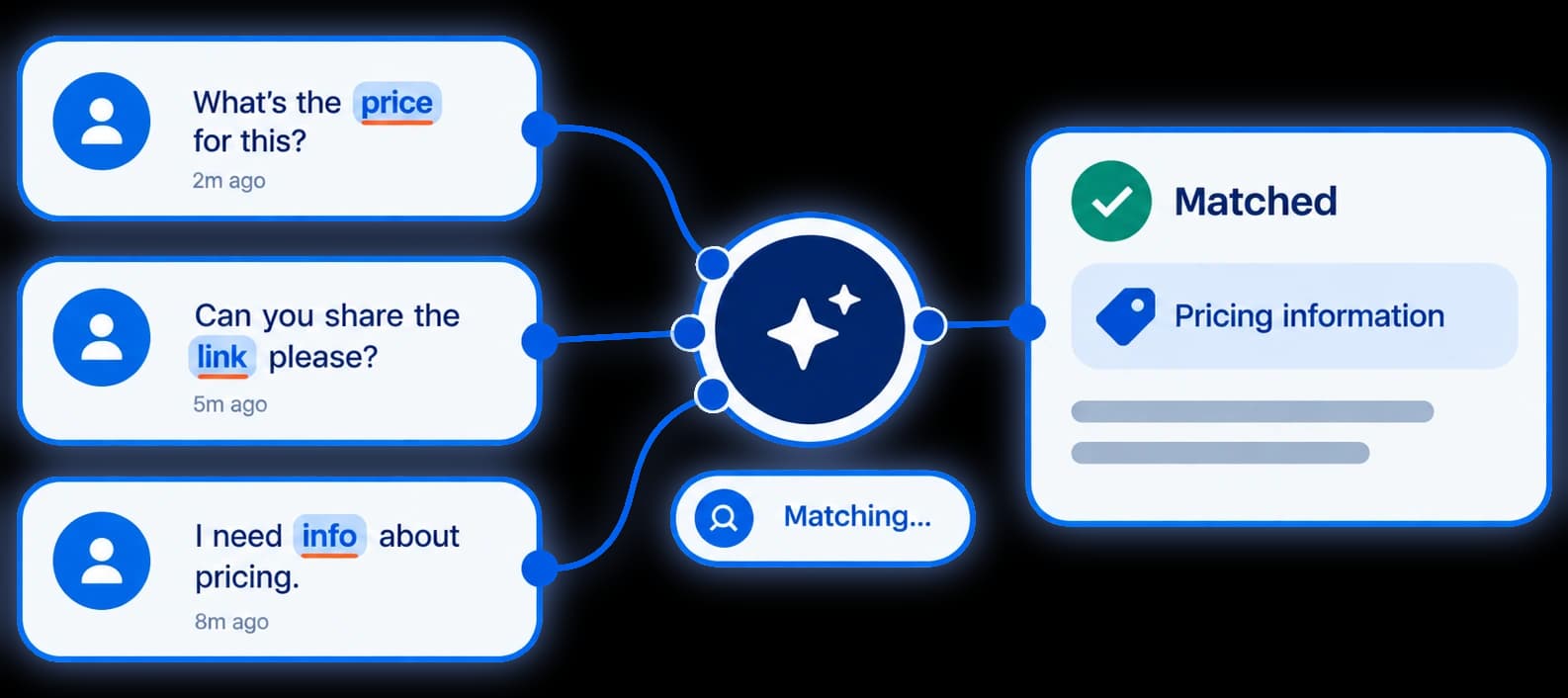
Tick “Asking the price” and a DM automation also answers “how much?”.
Tick “Asking the price” once and your DM automation answers “how much?”, “what’s the cost” and “your rates?” — without you listing every wording. Seven topics, on every plan, and your own keywords always take priority.
Optional: forgives one wrong character in single-word keywords of five letters or more.
Someone types “webiner” instead of “webinar” and your automation still answers. Switch it on per automation: it applies to single-word keywords of five letters or more, forgives one wrong character, and never guesses at very short words like “link”.
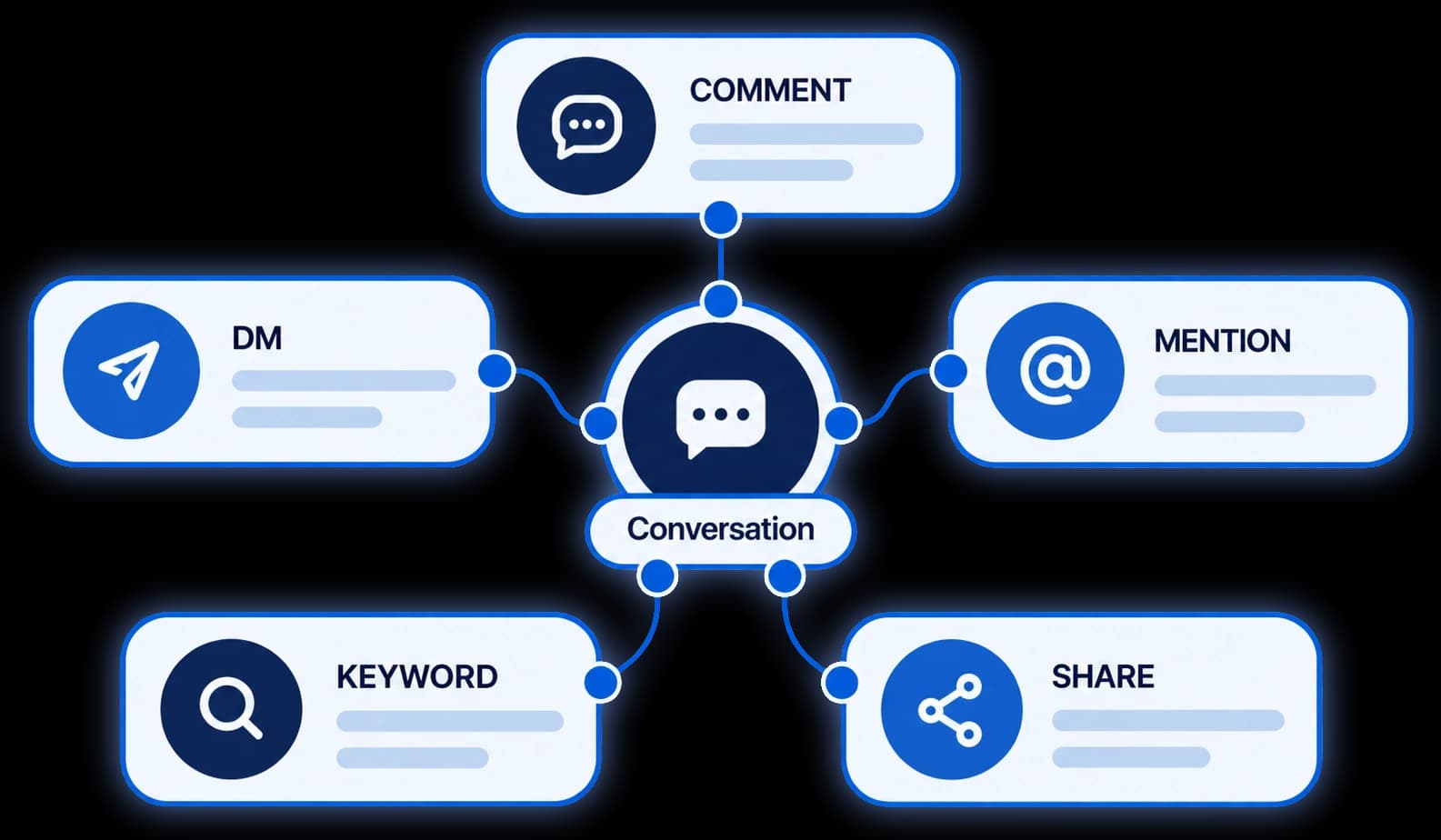
Comments, story replies, @mentions in someone else’s story, live comments or a DM — every plan.
Not just comments. A reply to your story, an @mention in someone else’s story, a comment on your live video, or a plain DM — each can start its own automation, on every plan.
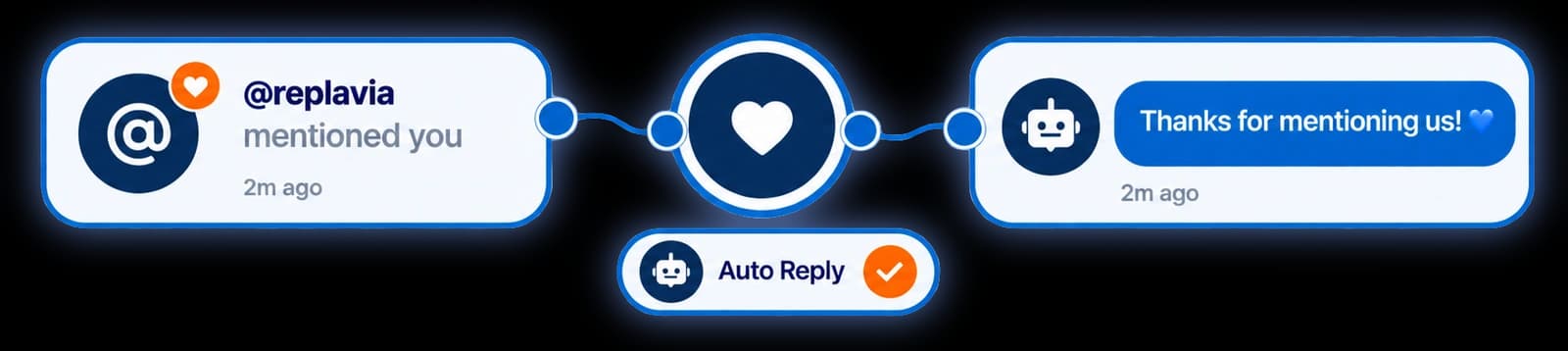
Replavia can thank anyone who @mentions your account in their story.
When someone @mentions your account in their Instagram story, Replavia can thank them automatically — a discount code, a link, or just a warm reply. A mention carries no text to match on, so it answers every one, on every plan.
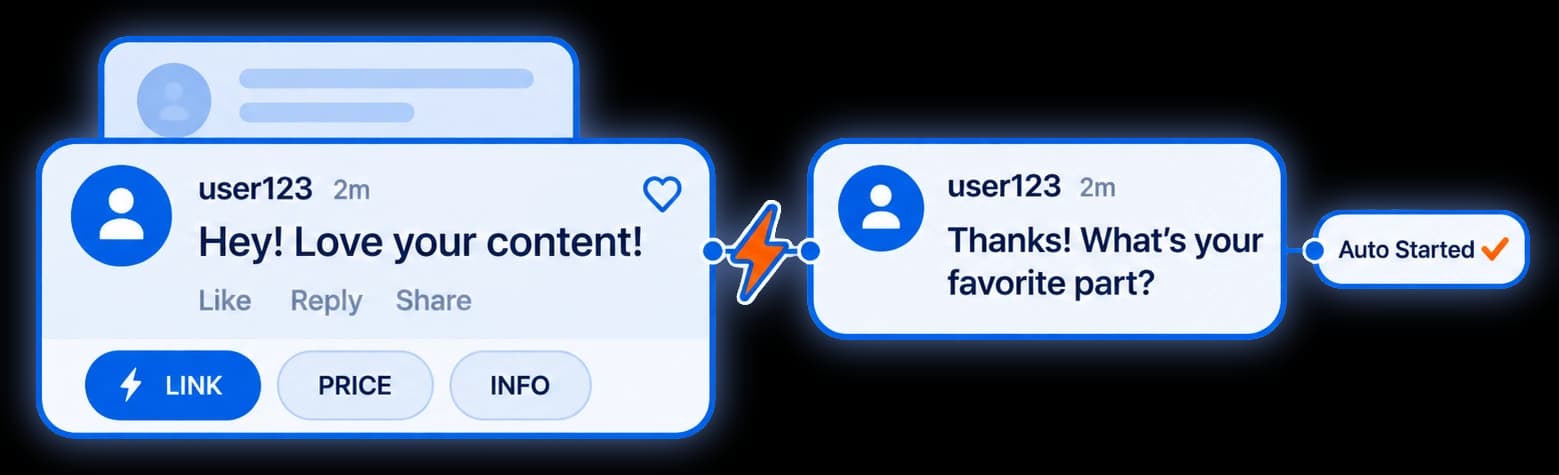
Tappable questions shown before someone types, each with the answer you set.
Set the tappable questions Instagram shows someone before they type — your prices, your shipping, your booking link — each with the answer you want sent. Someone who never comments on a post can still start a conversation and get an answer at 3am.
Convert
A public reply, a DM with your link, and a contact you own.
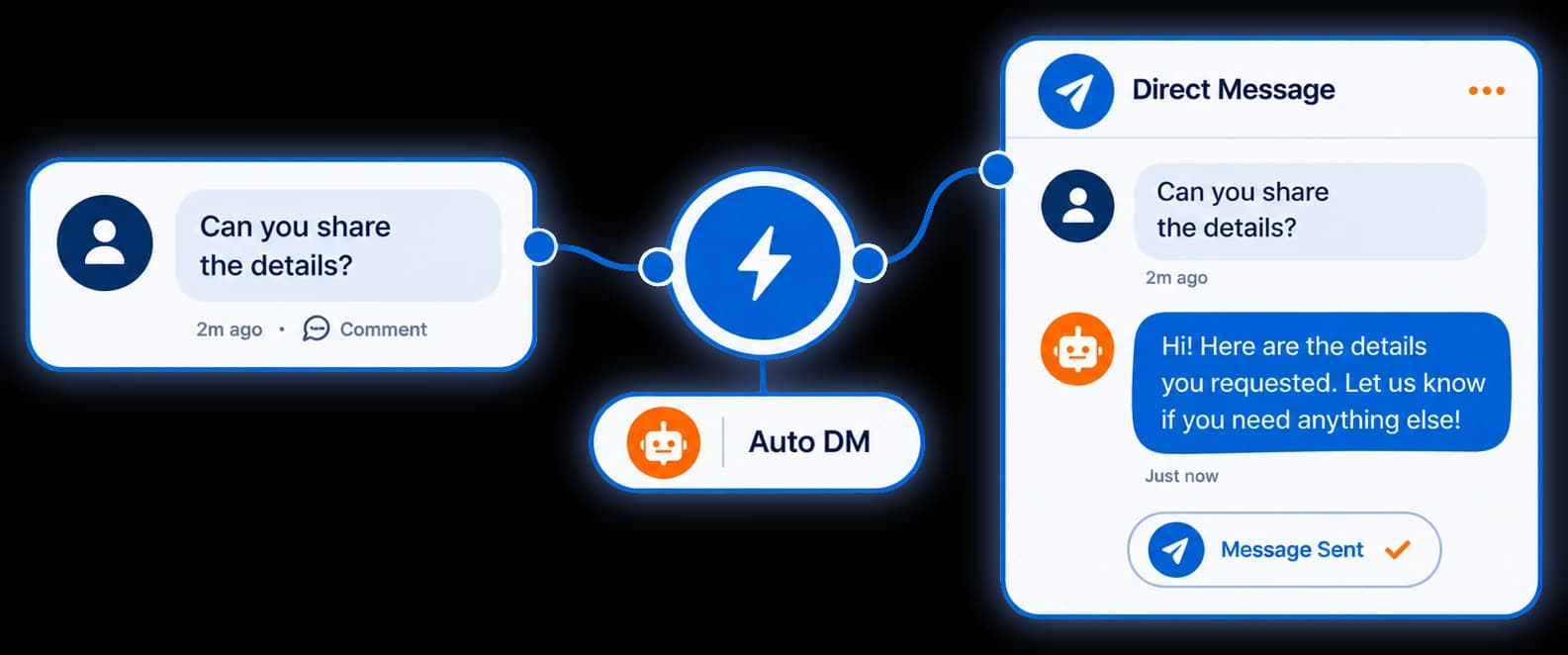
A direct message lands moments after they comment — fully hands-off.
A personalised direct message lands in their inbox moments after they comment — fully hands-off.
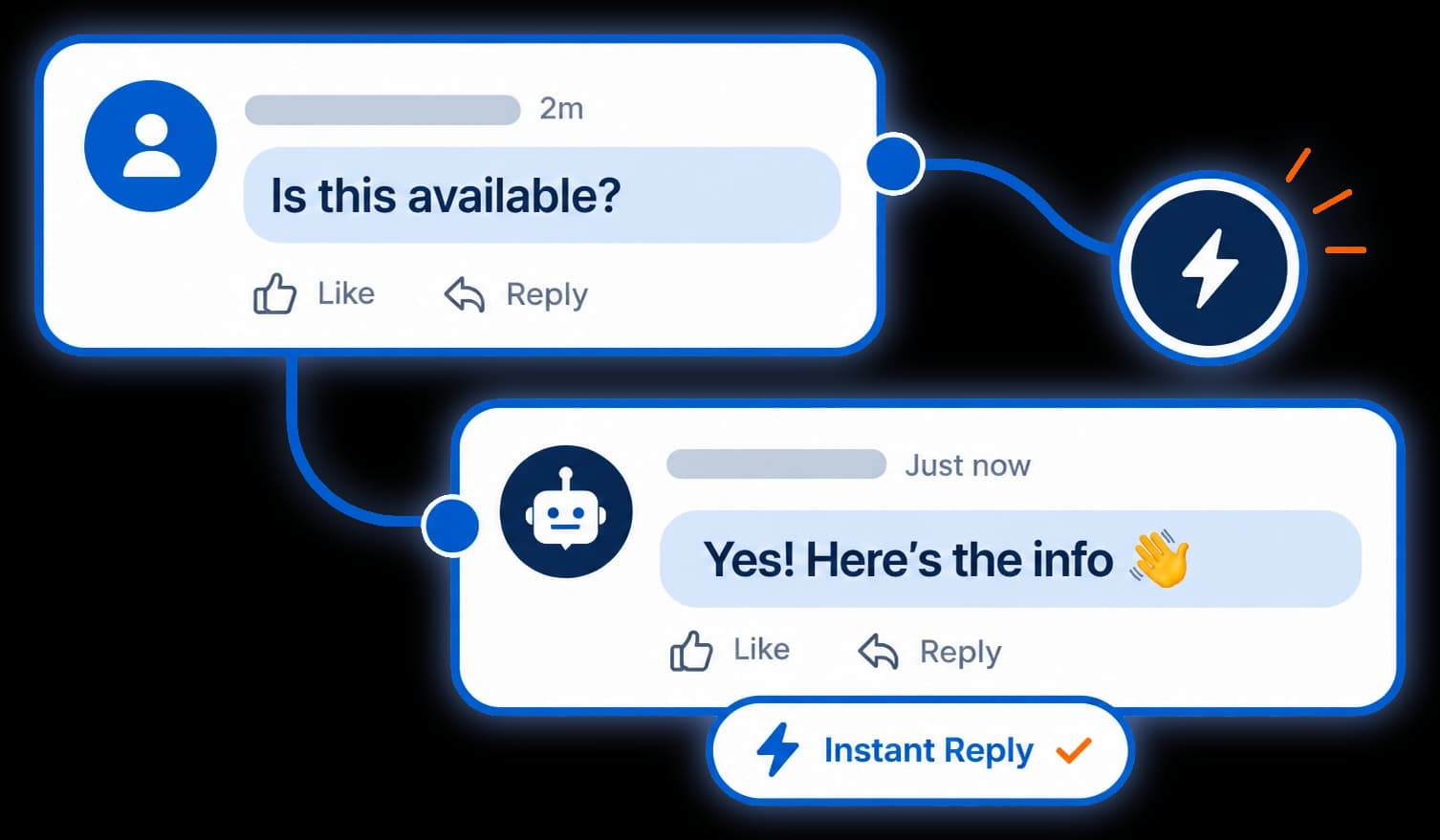
A matching comment gets an answer on the post, so the thread stays alive.
Every matching comment gets an answer on the post, so your thread stays alive instead of sitting on read.
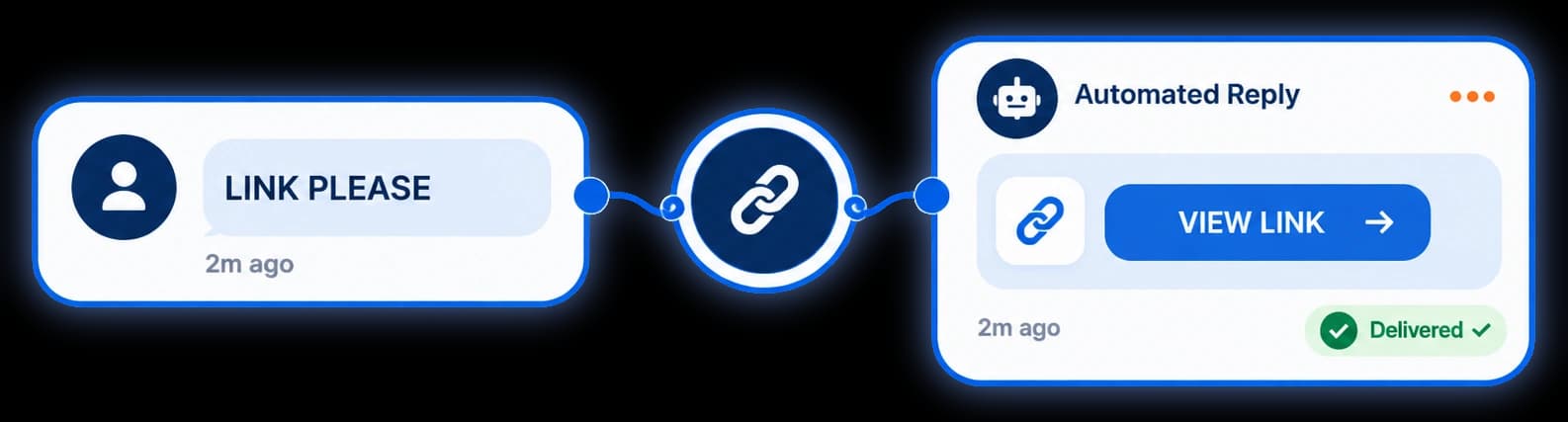
Your product, booking or link-in-bio rides in the DM on a tappable button.
Drop your product, booking or link-in-bio straight into the DM with a tappable call-to-action button.
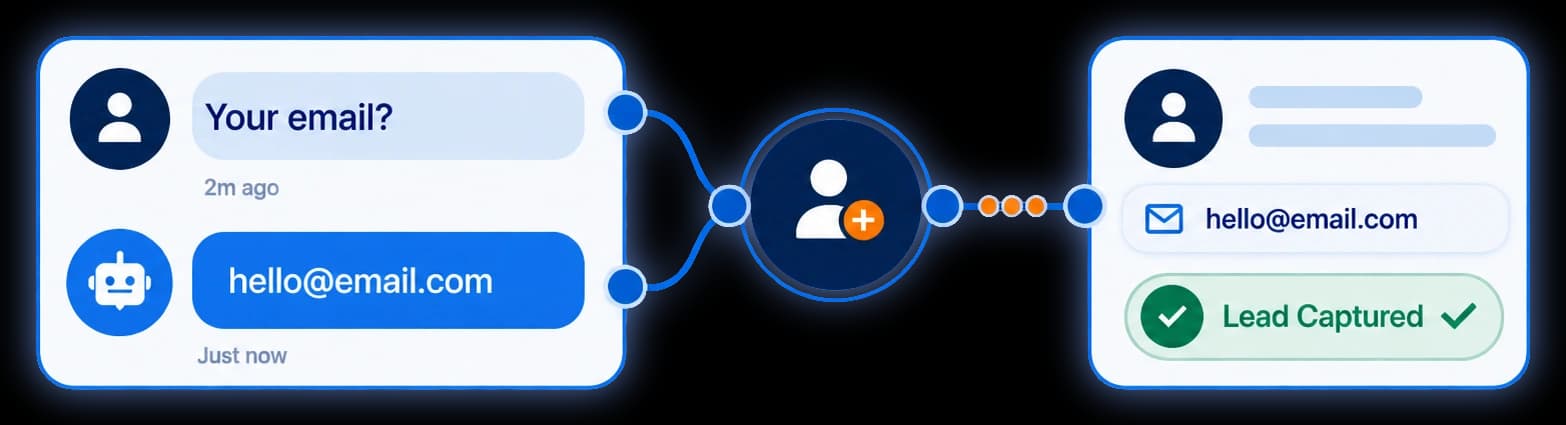
Ask for an email or phone number in the DM. Keep and export every reply.
Ask for an email or phone number inside the DM. Every reply becomes a contact you own and can export.
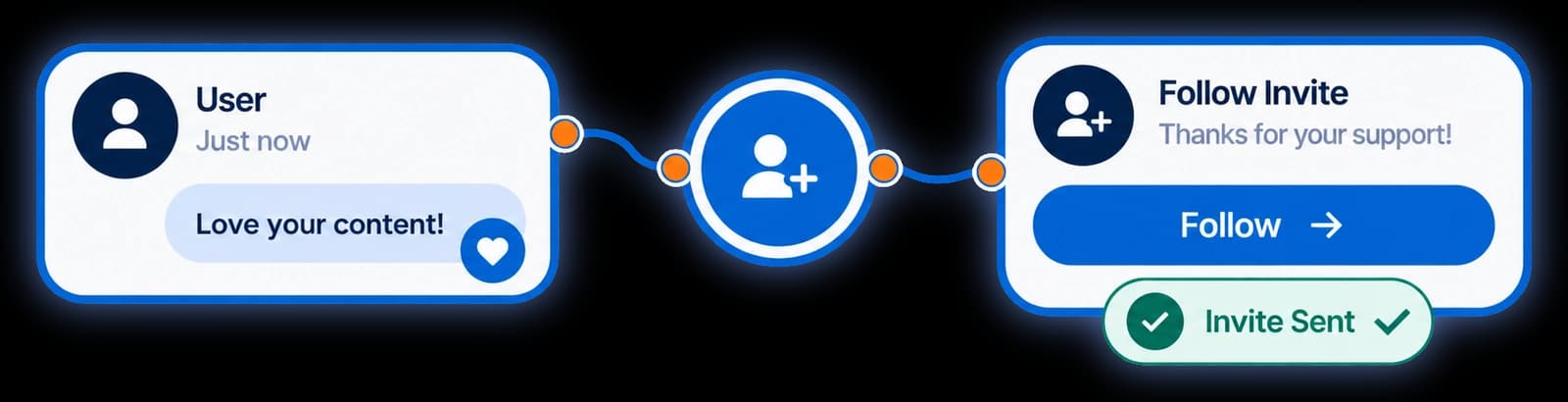
After your link is delivered, add a friendly nudge to follow you — every plan.
After your link is delivered, add a friendly nudge to follow you. Every lead you help becomes a chance to gain a follower — free on every plan, forever.
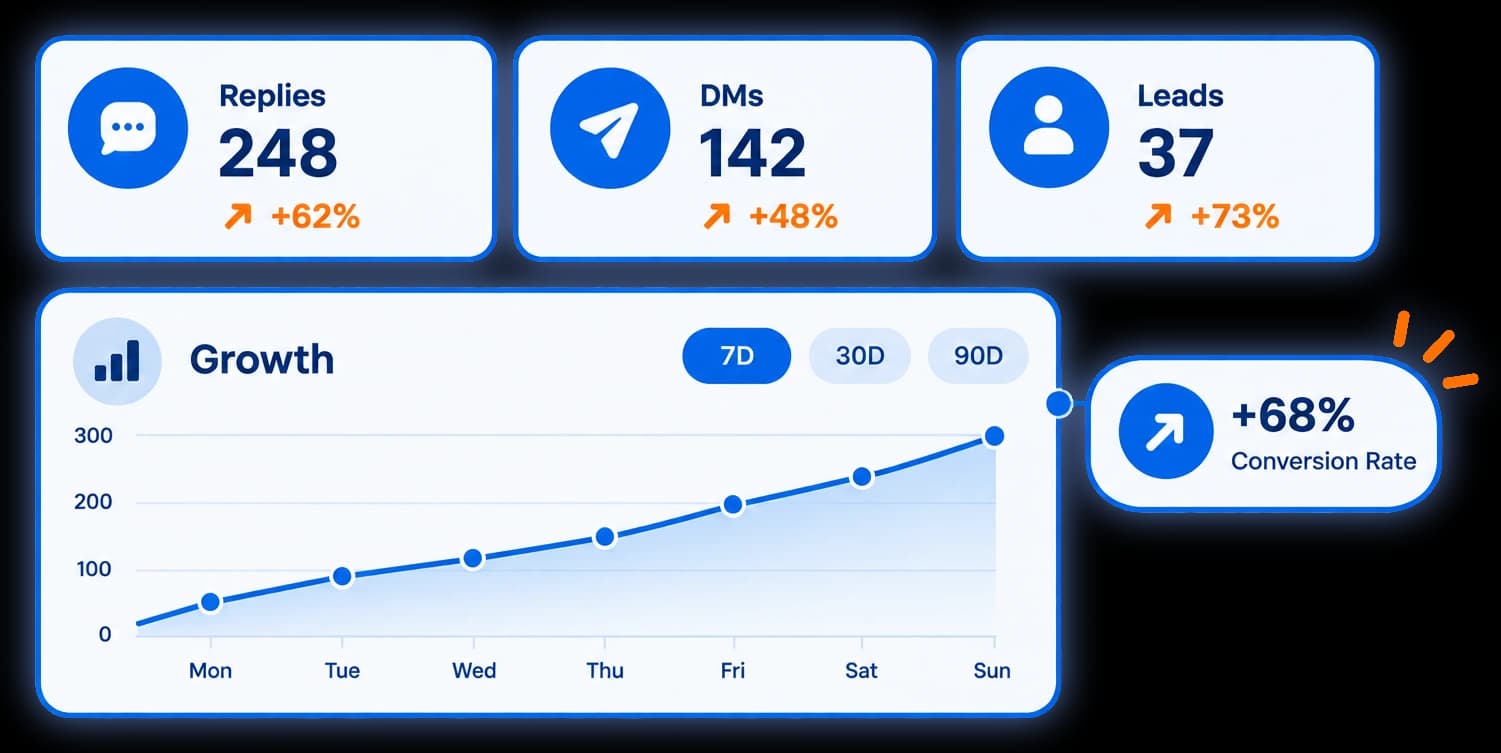
Comments caught, DMs sent and leads captured, per automation.
Track comments caught, DMs sent and leads captured per automation, so you can see what is actually working.
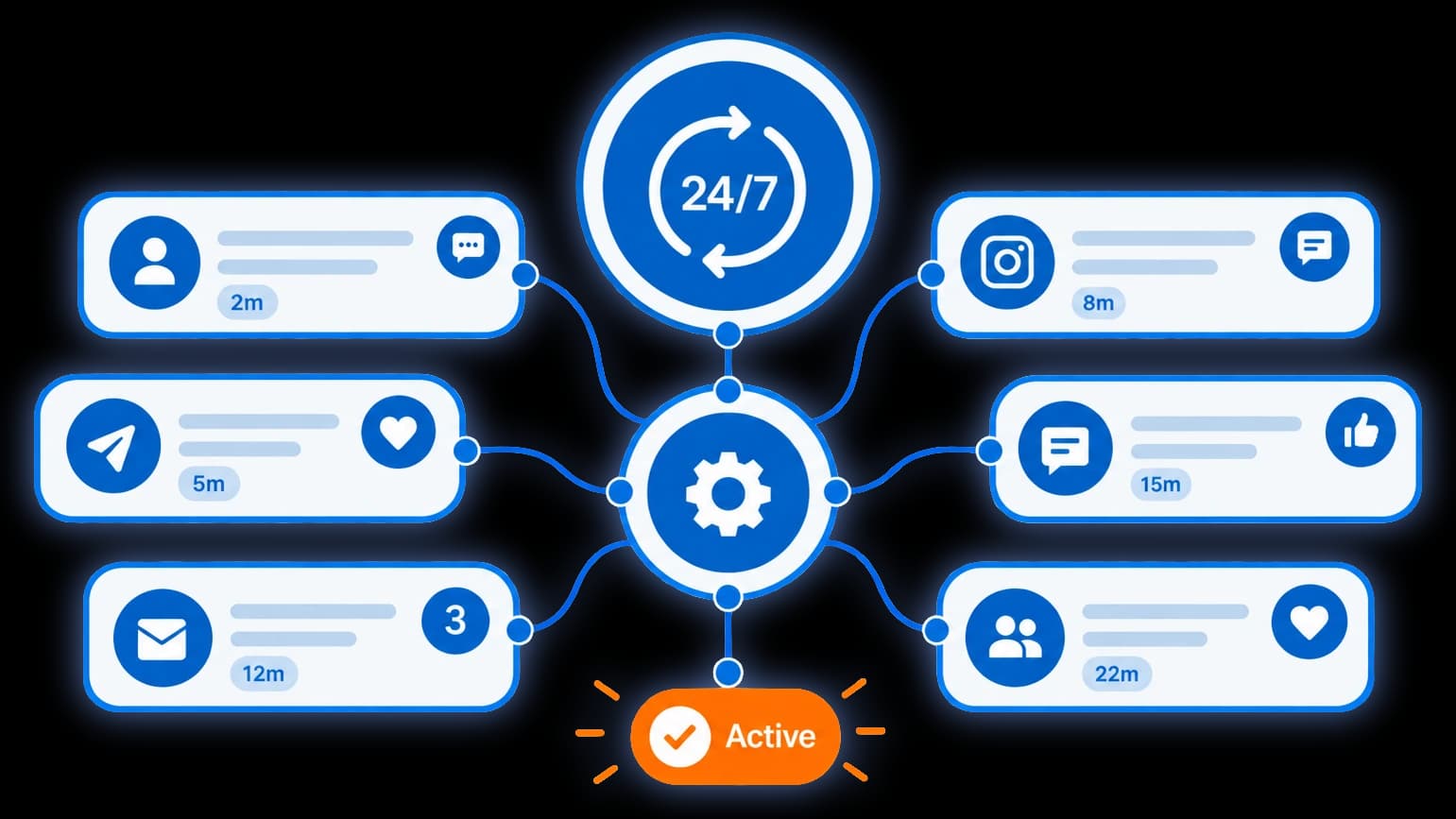
Capture leads at 3am, while you sleep.
Capture leads at 3am or while you sleep. Your automations never take a day off.
AI
On Pro and Scale. You decide what it may publish; anyone who asks for a person comes to you.
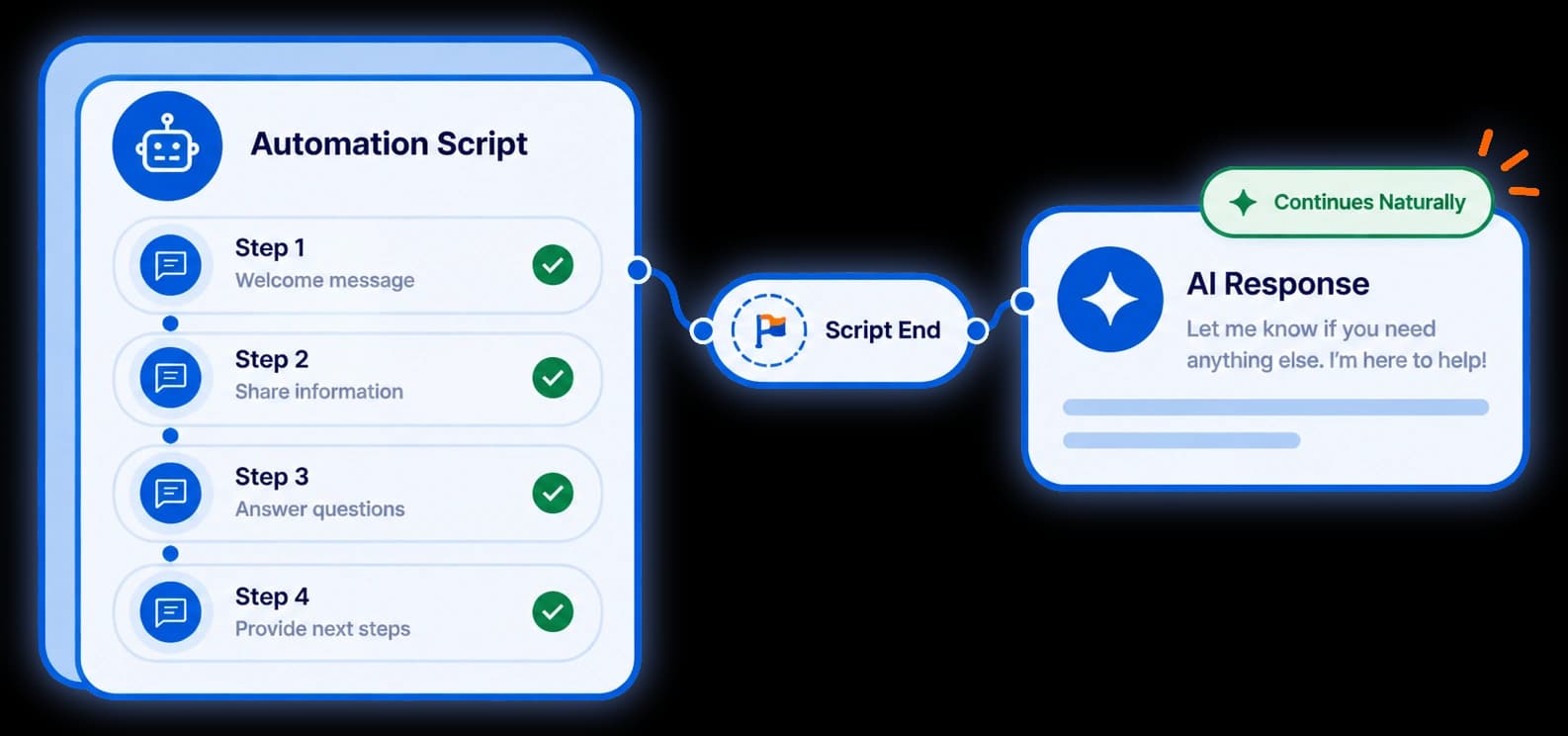
When your script ends, the assistant answers from your facts and shares your booking link.
Your automation sends what you wrote, then stops — and the next question goes unanswered. The AI assistant picks the conversation up from there, answers from the facts you gave it, and shares your booking link — your real one, because it is never allowed to write a link itself. You set its tone, what you sell, the things it must never say, and which of your automations it is allowed to take over. It tells people up front that it is automated, and anyone who asks to talk to a person gets handed straight to you.
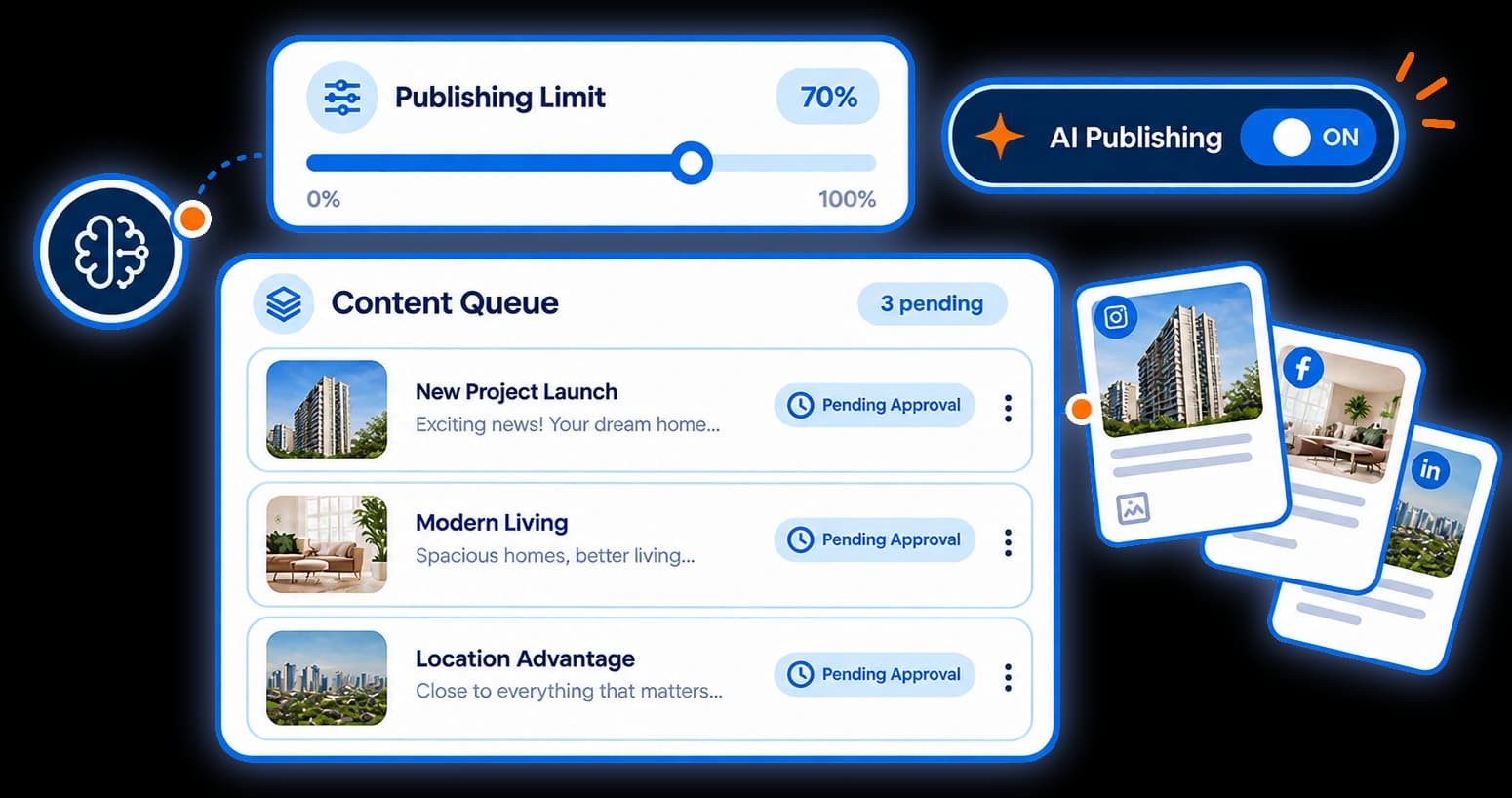
Approve every draft, auto-publish only your own wording, or publish all.
Three settings, not a switch. Every draft can wait for your approval; or only your own saved wording publishes by itself while anything the AI wrote still waits for you; or it all publishes. Auto-publish never skips the brand-safety check.
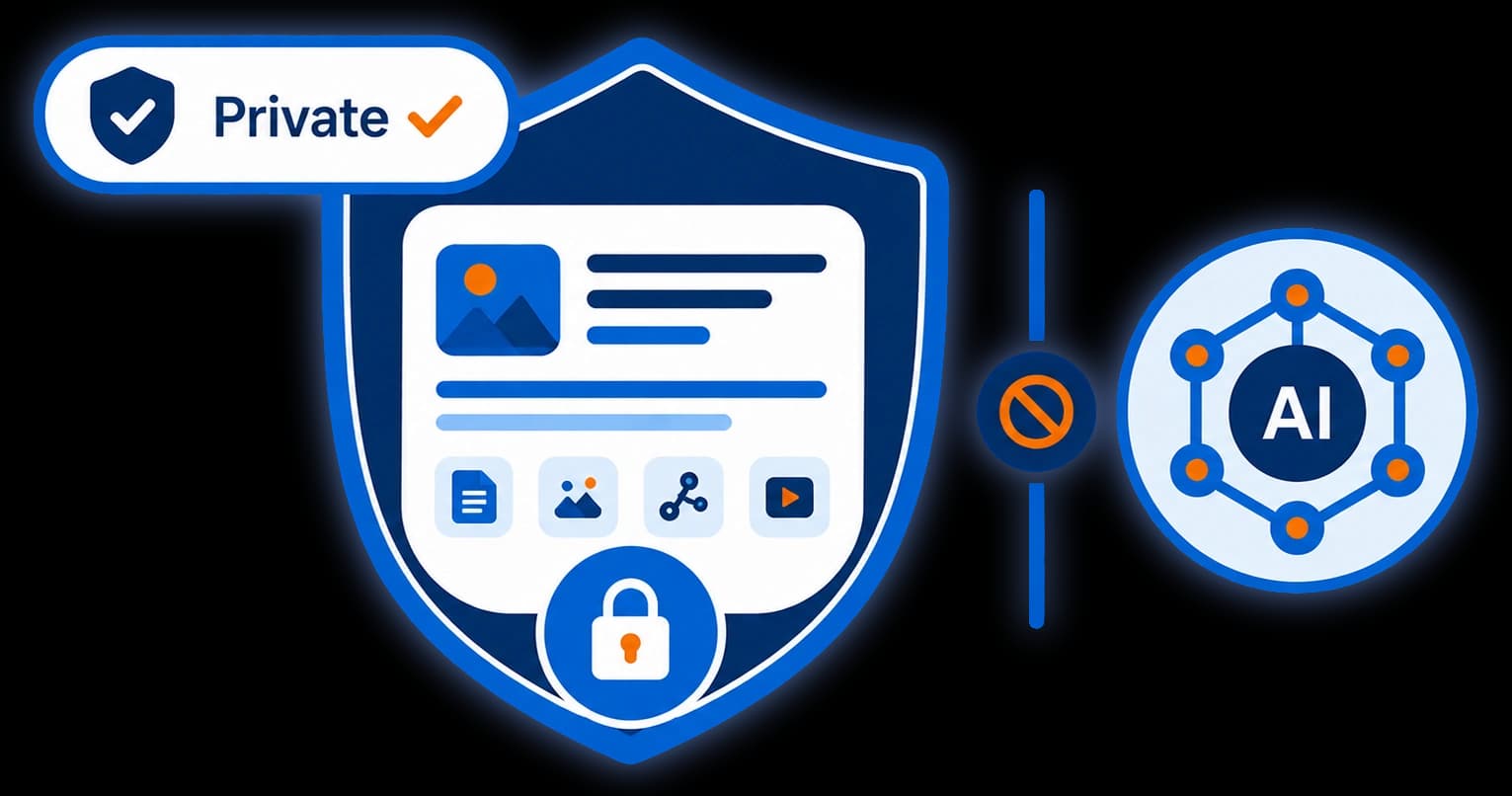
Never used to train a model. No API key to bring, no usage bill on top.
The providers we use process what we send on our instructions, not their own, and do not train on it. It runs on our AI account under an agreement we signed — you never hand over an API key, and there is no usage bill on top of your plan. Every sub-processor is named individually in our privacy policy.
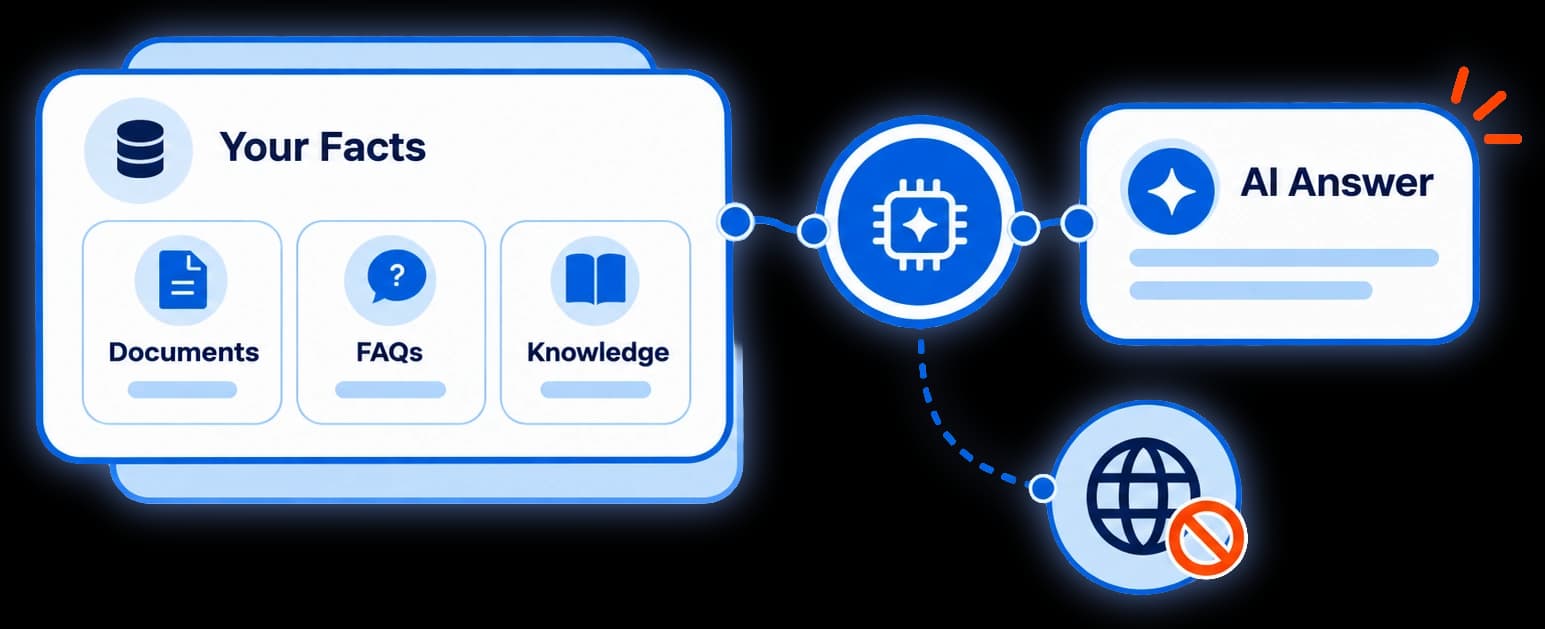
Add pages or files. The AI answers only from those, not the internet.
Add your pages by link or upload a menu, a price list, a policy — and the AI answers only from those. It is retrieval, not training: your content is never used to train a model, and a reply it cannot ground in your facts is not sent.
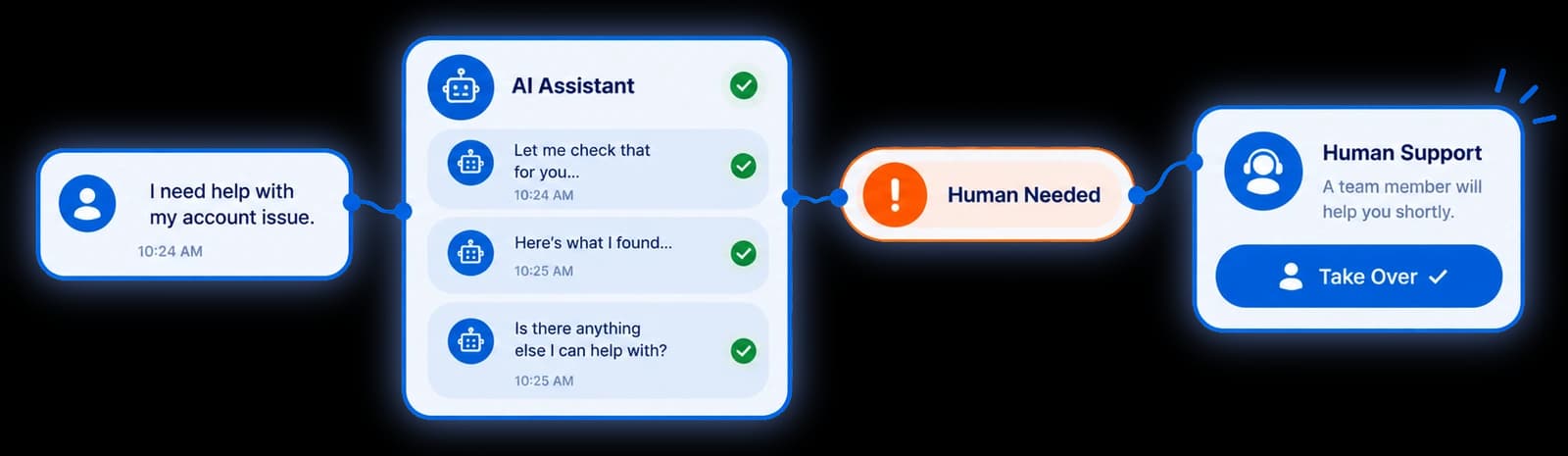
After ten replies, a request for a person, or no safe answer, it hands you the chat.
After ten replies, the moment somebody asks for a human, or when it cannot answer safely, the assistant steps back and puts that person on your "Waiting for you" list — what they asked, and how long they have been waiting. Longest wait first, because Instagram only allows a reply for 24 hours after their last message. You pick up a conversation, not a transcript.
Brand deals
Your rates, audience and terms on one page. Free to publish, and we take no cut.
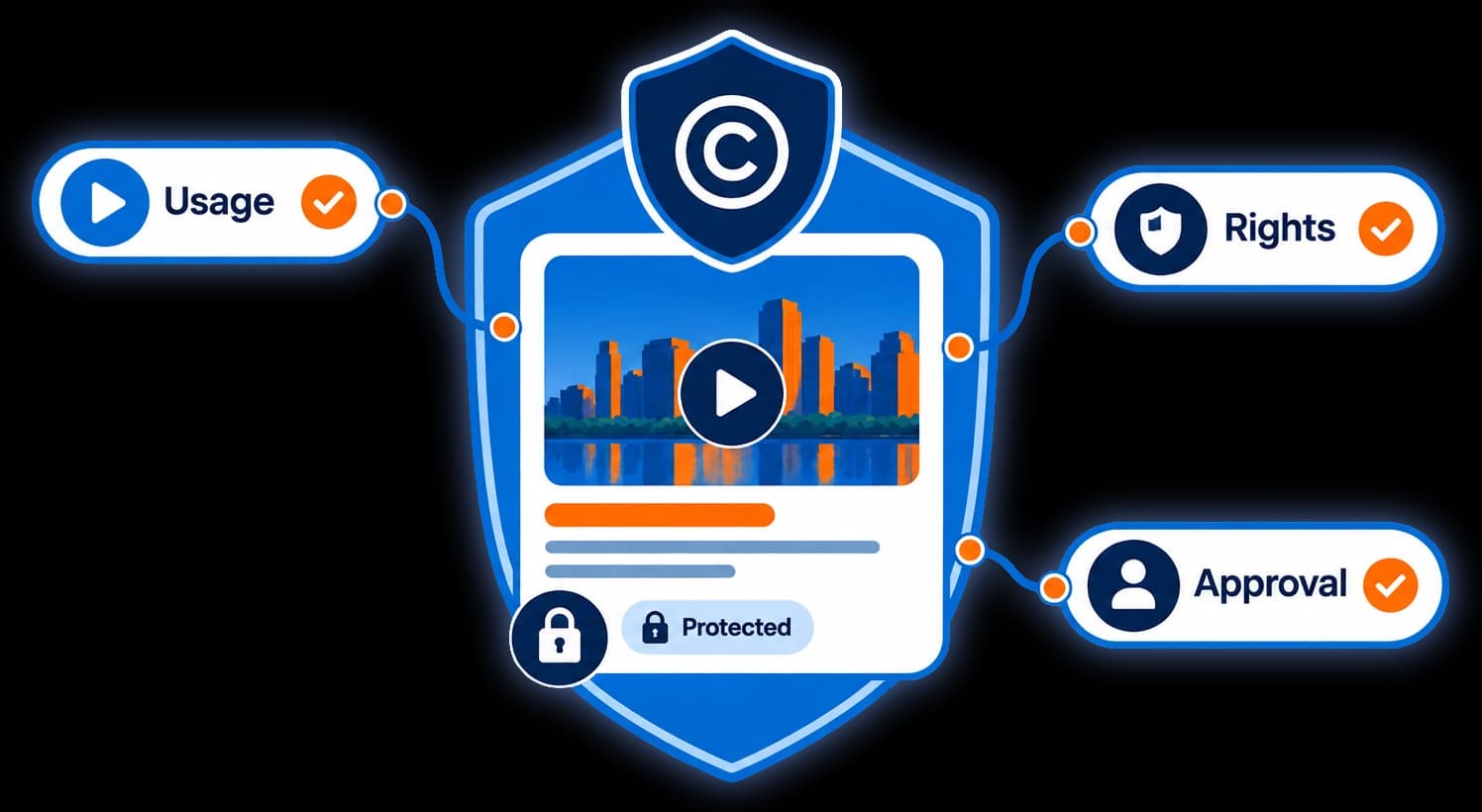
Price usage rights and exclusivity. On Pro or Scale, brands pick how long they need each.
Usage rights and exclusivity are the parts of a deal most often handed over for nothing — because nobody put a price beside them. Tick the ones you sell, and on Pro or Scale a brand picks how long they need each one for while your price rises to match. Publish your rates and your terms on a public link from any plan — one kit on Free, three on Pro, twenty on Scale.
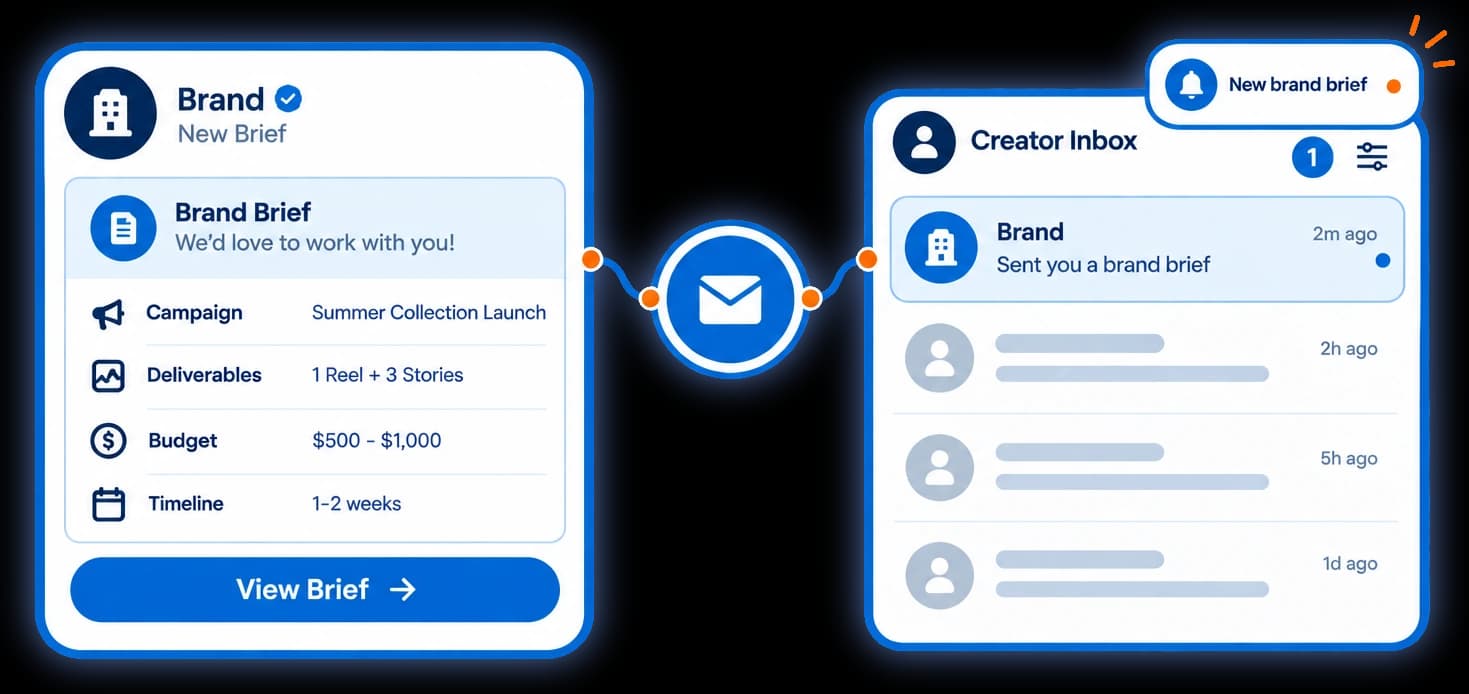
Brands send a brief with their budget. No payment passes through us.
On Pro and Scale a brand picks what it wants from your page, adds the extras it needs, and sends a brief with its budget. You get the deal on one screen — and when the numbers are clear, whether the offer sits at or below your own asking price. No payment passes through us: it is your enquiry, answered on your terms.
Browse partner agencies by niche and budget. You choose who to contact.
Inside your dashboard, browse marketing agencies that work with creators — by niche, service, platform, country and budget. Browsing is private: an agency sees how often its listing was shown, opened and contacted, never who looked. Nothing about you reaches an agency unless you send it an enquiry. Agencies write their own listings and we review each one before it appears, but we do not verify their claims. Run an agency? List it from your own Replavia account, on any plan.
Safety
Every reply is paced, capped and sent through the official Instagram API — even when a post goes viral.
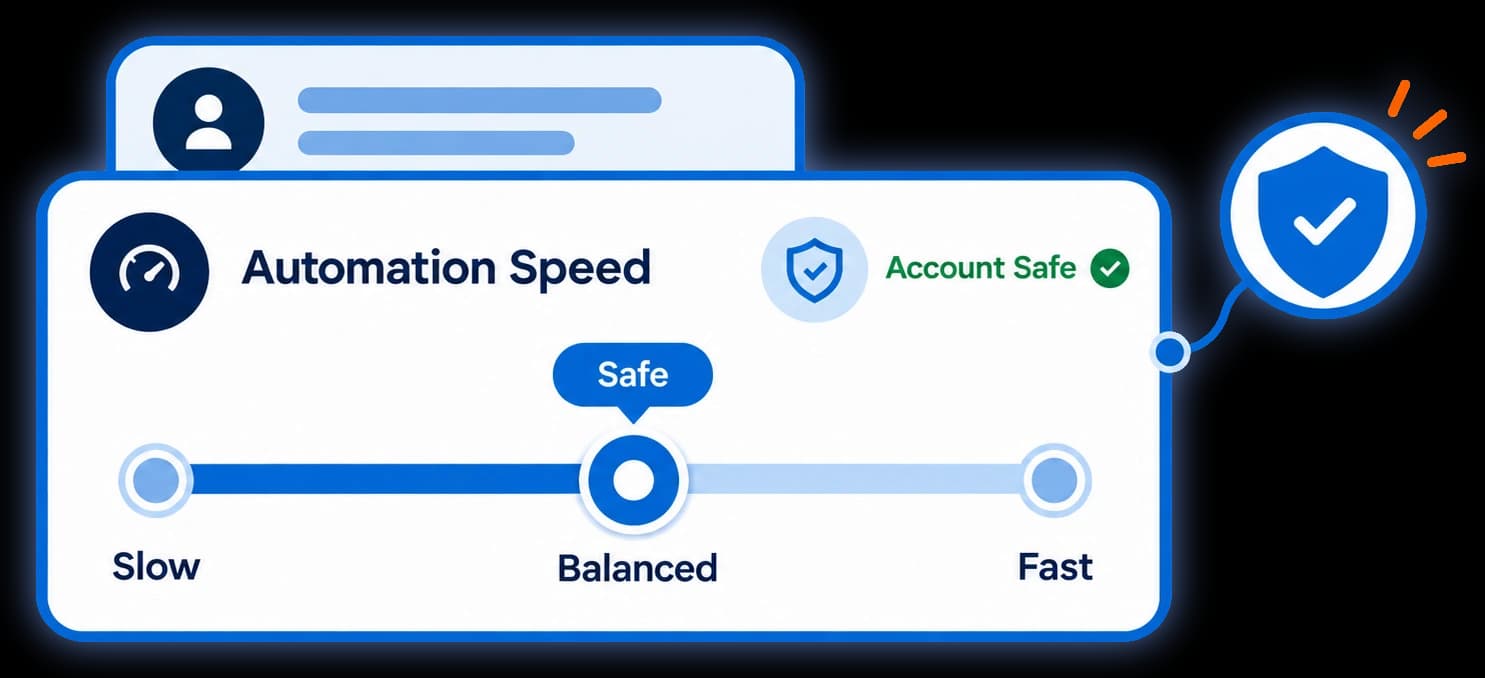
Up to 60 DMs an hour and 200 a day per account by default. Raise it on Pro, lower it anytime.
Up to 60 DMs an hour and 200 a day per account by default, with new connections easing up over their first week and a randomised delay between messages. On Pro you can raise your own limits to 200 an hour and 2,000 a day — or lower them on any plan.
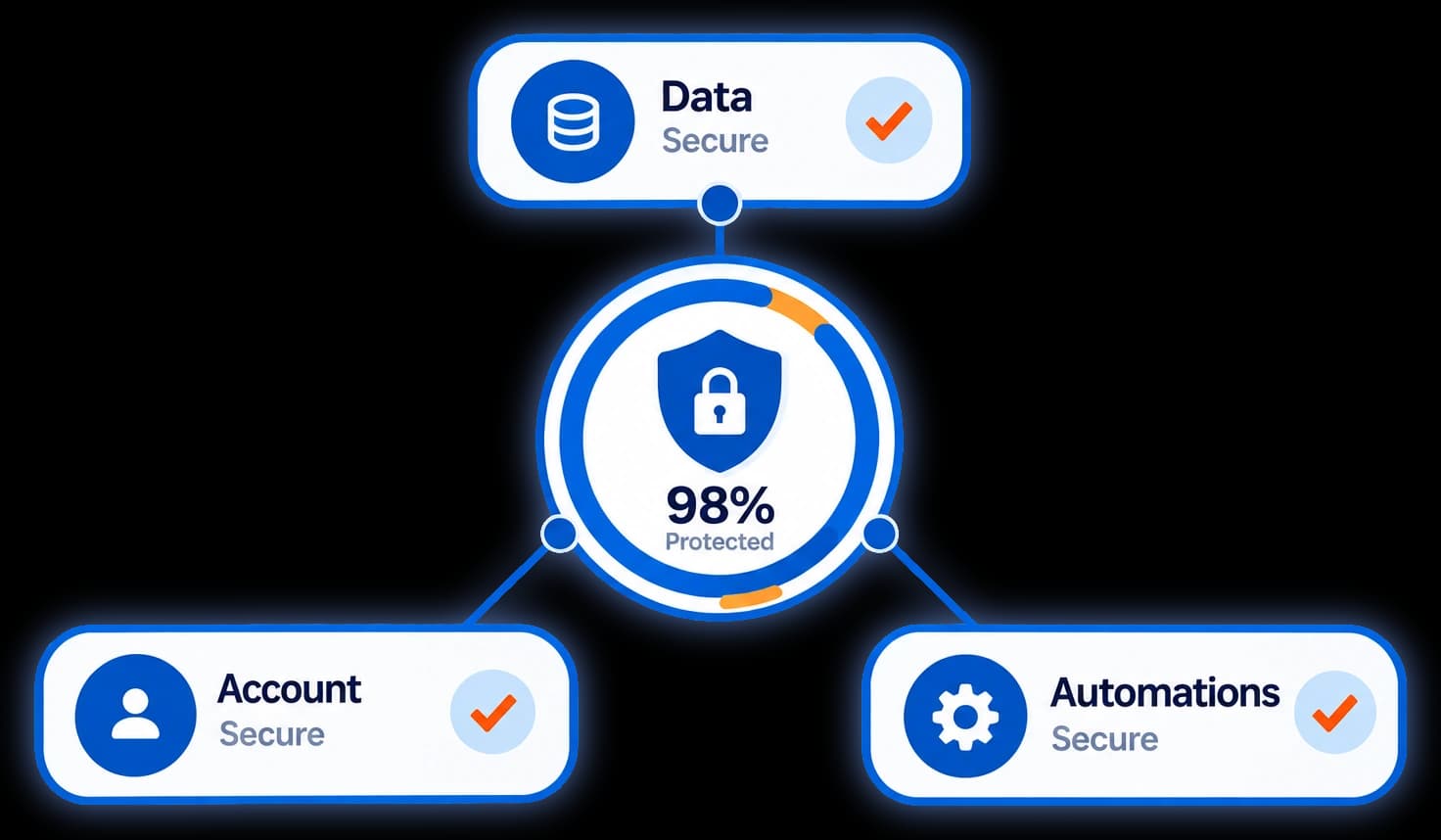
One screen shows each account’s live sending headroom and warm-up status.
One screen shows the live sending headroom on every connected account — how many DMs have gone out this hour and today, against the limit that applies right now — plus warm-up status and the protections that are always on. Most tools ask you to trust them. This one shows you the numbers.
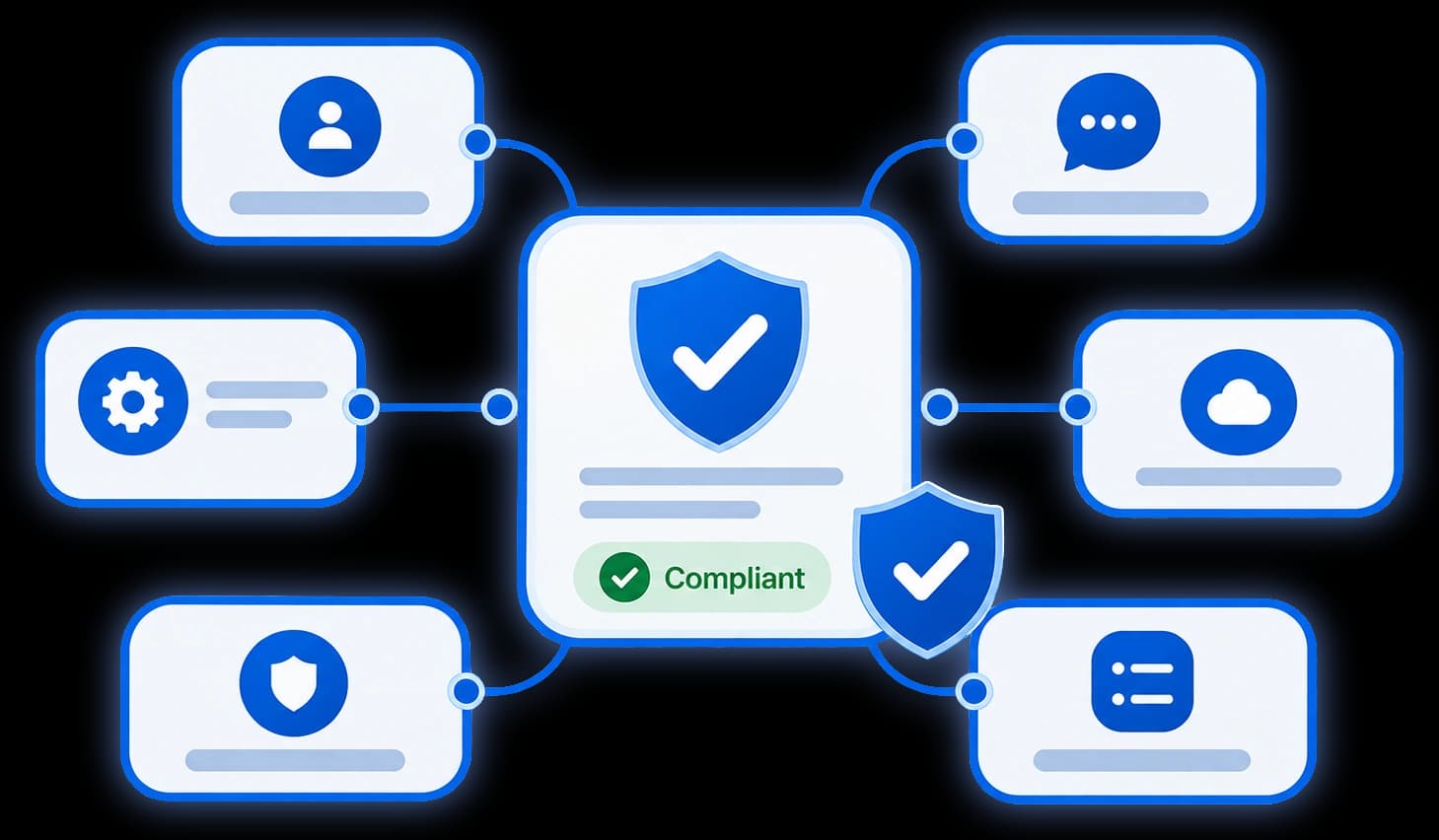
Official API, approved in Meta App Review, run by a business verified by Meta as a Tech Provider.
Built entirely on Instagram’s official API, approved by Meta App Review and run by a business Meta has verified as a Tech Provider — no unofficial tools or risky workarounds.
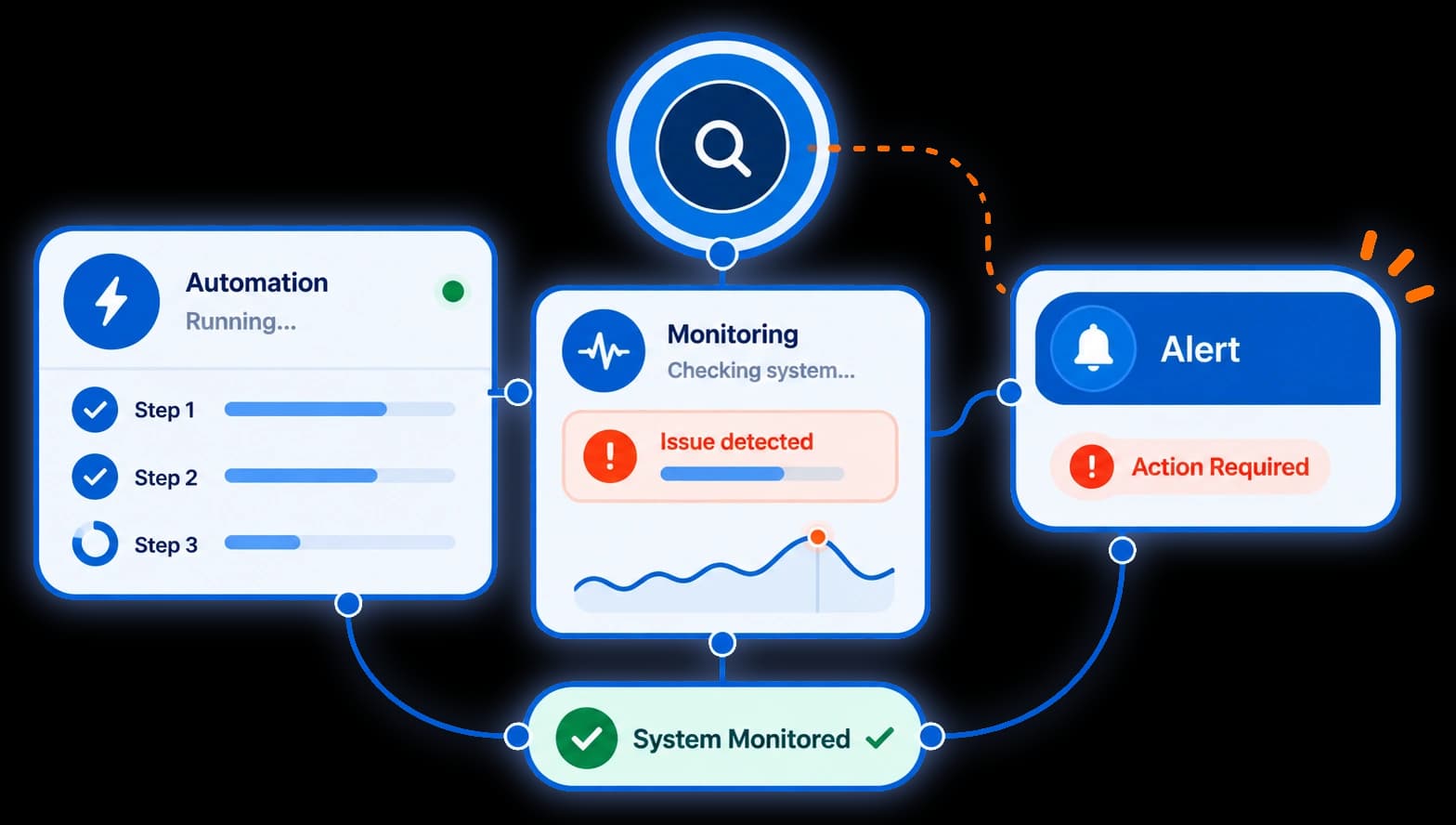
A dropped connection pauses its automations and alerts you by email to reconnect.
If your Instagram connection ever drops — a revoked login or a password change — we catch it, pause the affected automations, and alert you in your dashboard and by email to reconnect. So your leads never quietly dry up.
More channels, more automation, more features — at a lower price than the rest.
| Features | Starter | Pro★ | Scale |
|---|---|---|---|
| Price | Free | $8.33/mobilled yearly | $24.99/mobilled yearly |
| Connected channelsSocial accounts you can link and automate | 1 | 3 | 20 |
| Active automationsSeparate keyword→DM rules running at once | 2 | Unlimited | Unlimited |
| DMs per monthAuto-DMs we send on your behalf each month | 1,500 | Unlimited | Unlimited |
| Contacts storedLeads we save so you can reach them again | 1,000 | Unlimited | Unlimited |
| Keyword triggersFire a flow when someone comments a chosen word | |||
| Answer by topic, not just keywordDM automations can answer a topic like pricing however it is phrased — every plan | |||
| Typo toleranceOptional — a keyword still matches when someone misspells it, for single words of 5+ letters | |||
| Auto public reply + DMReply on the post and slide into their DMs | |||
| Surge Shield (viral-spike protection)Hourly and daily send caps with human-like pacing, applied automatically when a post goes viral | |||
| Tracked DM linksShort links with real click counts — plus a one-time reminder DM to unopened links on Pro and Scale | |||
| Consent & privacy controlsSTOP/UNSUBSCRIBE opt-out, unsend deletes the captured detail, 7-day account-deletion recovery | |||
| AI comment repliesThe AI drafts replies from your own facts — you approve before anything posts | — | 250 AI drafts / mo | 1,500 AI drafts / mo |
| AI DM assistantCarries the conversation on after your automation stops, then hands you anyone it cannot help | — | You switch it on | You switch it on |
| Comment ShieldSpot spam and abuse, then hide it on Instagram in one click (delete on Pro and Scale) — never automatically | Up to 50 rules | Up to 500 rules | Up to 500 rules |
| Public media kitsYour rates and past work on a shareable link brands can order from | 1 kit | 3 kits | 20 kits |
| Brands order and enquire from your kitThey pick quantities and extras, see a live total, and send you a brief | |||
| Connection health & alertsWe spot a dropped Instagram connection and alert you to reconnect — no silent failures | |||
| Re-triggerRespond again if the same person comments later | |||
| Invite them to followAdds a friendly follow invitation after your link is delivered | |||
| Lead capture & CSV exportOwn every contact and download them anytime | |||
| Story replies, mentions & live commentsAutomate story replies, story @mentions and comments on your live video | |||
| Campaign end datesGive an automation a finish date and it stops on its own | |||
| Automated follow-up emailsNudge a lead who shared their email and went quiet | |||
| A/B test messagesTry two messages to see which converts better | Soon | Soon | |
| WhatsApp, Messenger & FacebookRun the same playbook across more channels | Soon | Soon | |
| Team seats & rolesInvite teammates with the right permissions | Soon | ||
| HubSpot CRM syncSync captured leads to your CRM automatically | |||
| Google Sheets syncEvery new lead appended to a spreadsheet in your Google Drive | |||
| Webhooks (Zapier, Make, your own endpoint)Every new lead sent the moment it is captured — signed, and retried if your endpoint does not answer | |||
| Leads APIRead your leads with GET /api/v1/leads and a revocable API key | |||
| AnalyticsSee comments, DMs and leads captured over time | |||
| SupportHow fast our team helps when you need it | Priority | Dedicated |
Need more than 20 connected accounts on Scale? Contact us
Comparing us with something else? Five DM automation tools compared · vs ManyChat · vs LinkPlease · vs LinkDM
Create your free account, connect Instagram, and Replavia starts replying — and selling — around the clock.
Free forever plan · Cancel anytime
 @sofia.bnow
LINK please 🔥
Auto-DM sent · instant @noah.know
drop the link 👀
Auto-DM sent · instant @priya.rnow
how much?? 🙏
Auto-DM sent · instant @jay.makesnow
where do I buy this?
Auto-DM sent · instant @mia.ktnow
send me the link
Auto-DM sent · instant @theo.rnow
i need this 😍
Auto-DM sent · instant @ava.stylesnow
price?
Auto-DM sent · instant @kofi.tnow
how to order? 🛒
Auto-DM sent · instant@sofia.bnowLINK please 🔥
Auto-DM sent · instant@noah.knowdrop the link 👀
Auto-DM sent · instant@priya.rnowhow much?? 🙏
Auto-DM sent · instant@jay.makesnowwhere do I buy this?
Auto-DM sent · instant@mia.ktnowsend me the link
Auto-DM sent · instant@theo.rnowi need this 😍
Auto-DM sent · instant@ava.stylesnowprice?
Auto-DM sent · instant@kofi.tnowhow to order? 🛒
Auto-DM sent · instant